The OXVA Xlim SQ Pro 2 is the latest evolution in OXVA’s popular Xlim series – bringing smarter features, refined design, and a smoother vaping experience in an ultra-compact pod kit. This sleek little device is built to impress both new users and seasoned pod lovers. We’ll break down what’s new, what’s improved, and whether the SQ Pro 2 lives up to the hype.
What follows is a review from Hannah, here at ELQD ECIGS, and my thoughts since its release. My opinions may not coincide with others.
What’s In The Box?
- 1x OXVA Xlim SQ Pro 2 Device
- 1x OXVA Xlim Top Fill 0.6Ω Pod (2ml) (Pre-installed)
- 1x OXVA Xlim Top Fill 0.8Ω Pod (2ml)
- 1x Lanyard
- 1x User Manual
- 1x Quick User Guide
- 1x User Suggestion Card
Specs & Features
- Dimensions: 48 x 20.01 x 93.4mm
- Battery: 1600mAh (Internal)
- Wattage Output: 5-30W
- E-liquid Capacity: 2ml
- Display: 1.09″ HD Smart Touch Screen
- Charging: 5V/2A, Type-C
- Adjustable Airflow Control
- Customisable themes, animations, and standby wallpapers
- Intelligent Puff Diary
- Materials: Zinc Alloy + IML/Artificial Leather
- Compatible with entire Xlim pod series
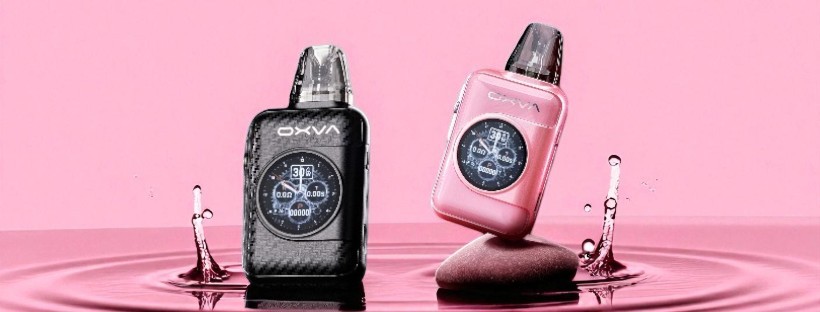
- Colours available at ELQD ECIGS: Black Carbon, and Dream Pink
First Look
At first glance, the Xlim SQ Pro 2 in Dream Pink features a soft, blush-toned metallic colour that feels both contemporary and feminine without being overly flashy. This particular shade strikes a balance between warmth and subtlety, with a smooth satin-like sheen that catches the light gently.
Shaped like a compact, rounded square, the Xlim SQ Pro 2 has a minimalist silhouette with softly curved edges that make it ergonomic in the hand, making it a highly portable device that can easily slide into a pocket or bag without adding too much bulk. For additional user comfort, OXVA have supplied a lanyard alongside the device!
Taking main focus, a 1.09″ HD Smart Touch screen dominates the front panel of the device, offering just a quick glimpse of its digital interface – clean, bright, and clearly built to be more than just decorative.
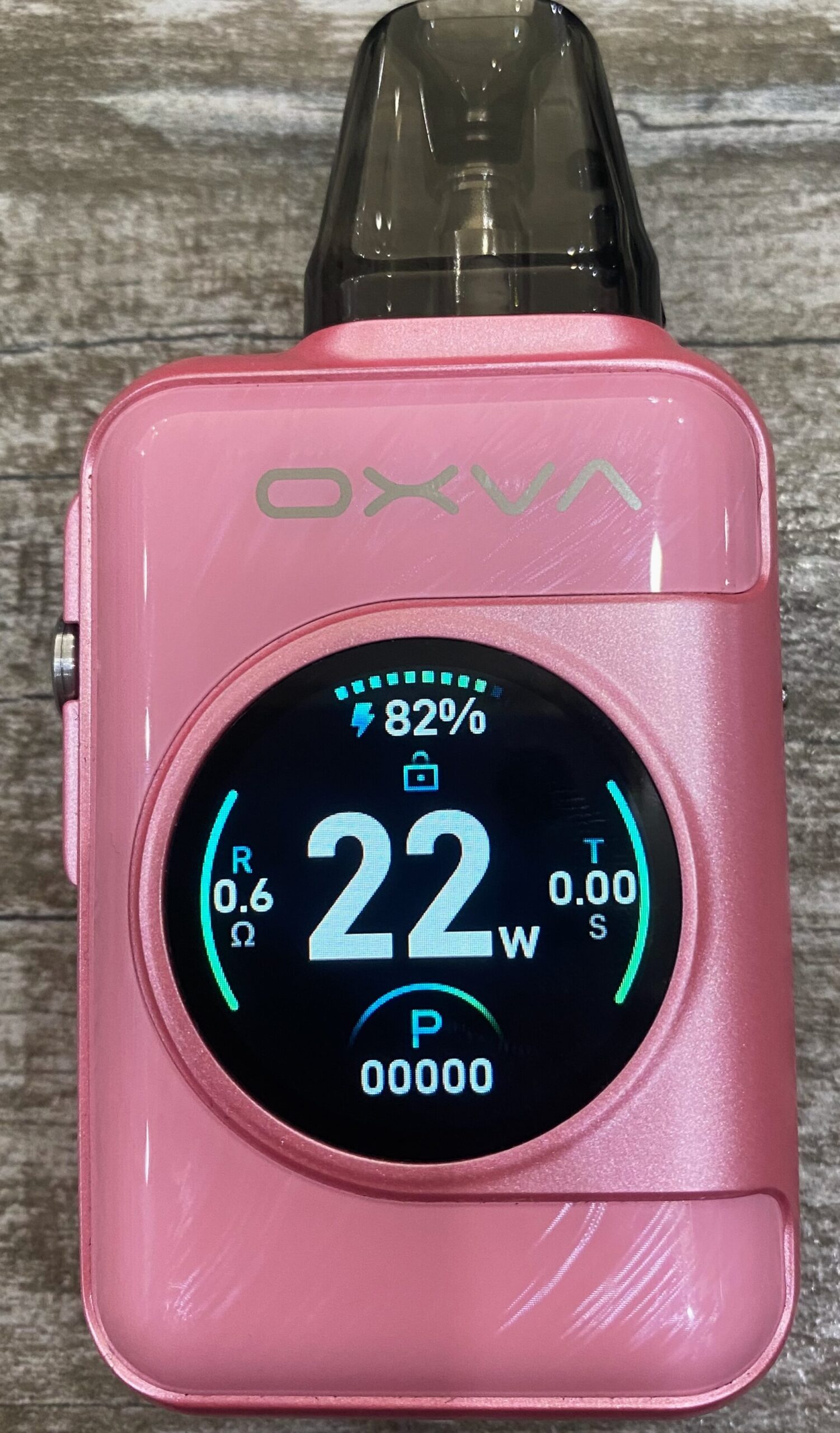
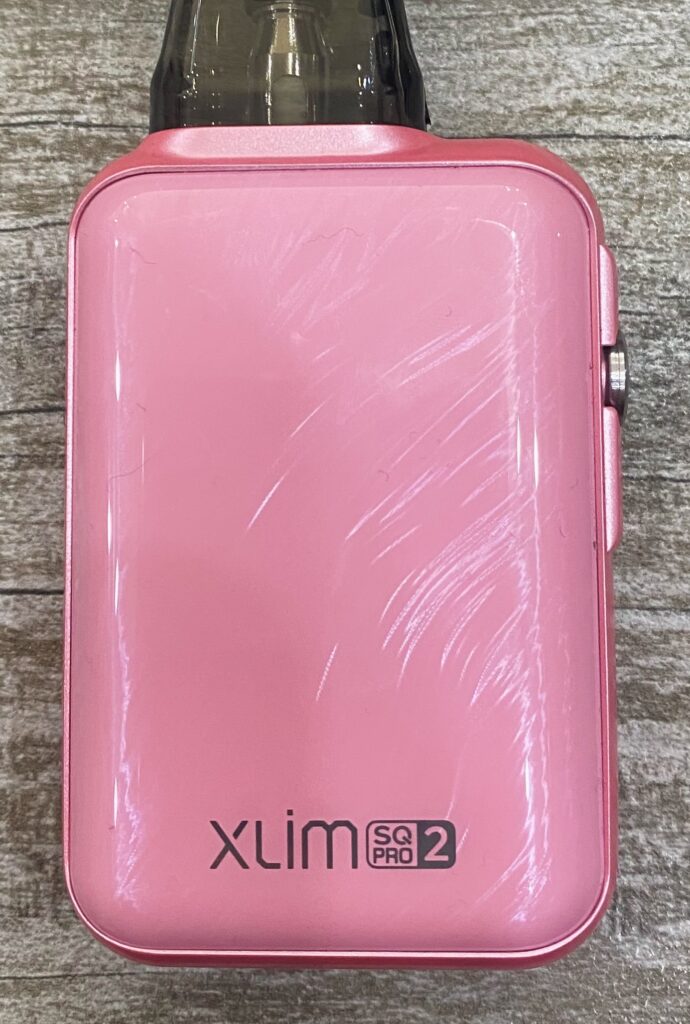
Branding on the Xlim SQ Pro 2 is subtle and well-integrated into the overall design. ‘OXVA’ is tastefully printed just above the flush-fitted HD display, and at the base of the back panel, the model name is discreetly etched.
Its design it clearly crafted with visual appeal in mind, offering a touch of modern luxury in a form that’s easy to carry and comfortable to use.
Design & Build Quality
The body of the Xlim SQ Pro 2 is constructed from durable zinc alloy, giving it a solid yet lightweight feel (114g), while the In-Mould Labelling (IML) finish enhances its scratch resistance and colour depth.
The pod port features strong magnets and well-aligned connectors that hold the PCTG Xlim pods firmly in place, offering peace of mind during everyday use. As expected from the Xlim series, the SQ Pro 2 is fully compatible with the entire range of Xlim pods: Xlim Top Fill; Xlim V2; and Xlim EZ. The cross-compatibility is a major strength of the system, allowing users to tailor their experience without being locked in to a specific pod type.
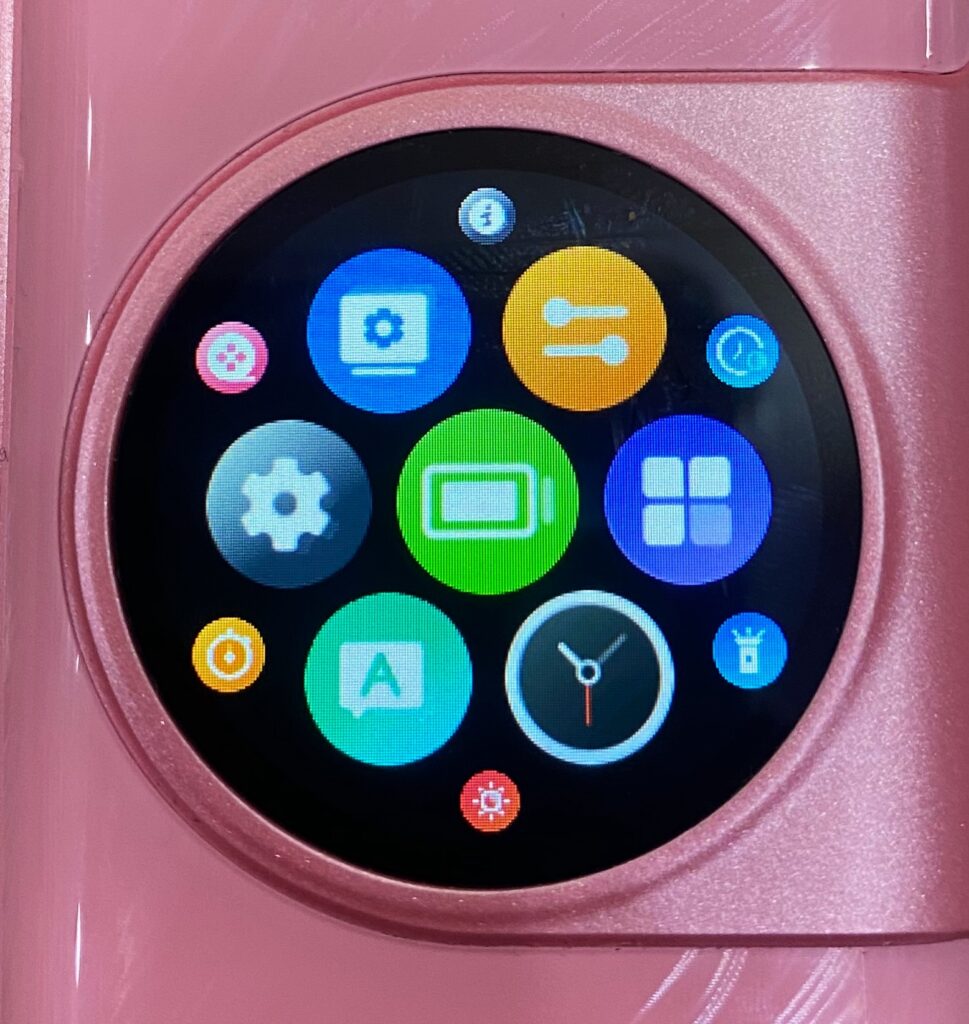
Previously mentioned, the 1.09″ HD Smart Touch Screen serves as the main interface, seamlessly built into the design and offering a modern, user-friendly experience, with excellent responsiveness and clarity. Boasting a 316 PPI high pixel density, 248×240 resolution, and a 60Hz mobile-level refresh rate, it delivers smooth, crisp visuals. The touchscreen is also highly responsive, with a <30ms instant touch reaction time and 99.999% touch accuracy, ensuring fast and precise control.
It displays what you would expect from a top-of-the-line pod kit: wattage, battery status, puff count, and pod resistance – but it goes beyond the basics by offering extra features like a flashlight, stopwatch and more, with a very Apple Watch inspired look to it. This adds a surprising level of versatility and convenience, which we’ll explore in detail later.
Located on the side of the Xlim SQ Pro 2 is the airflow control valve, allowing users to easily adjust between a tighter or looser draw to suit their personal vaping style.
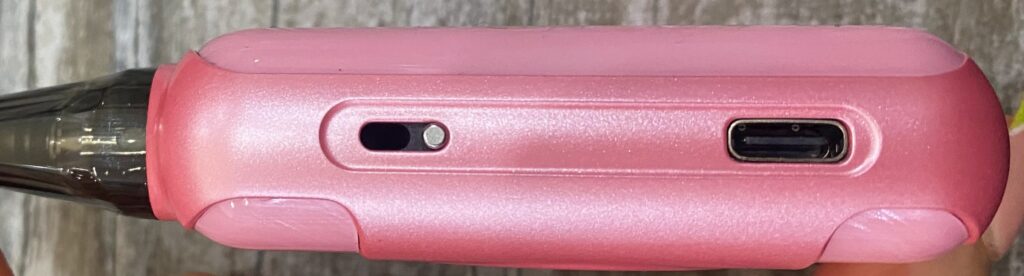
The charging port is conveniently positioned on the side of the device, just below the airflow control, allowing for easy access without disrupting your grip. According to OXVA’s website, the Xlim SQ Pro 2 supports fast-charging via USB-C, enabling the device to recharge quickly!
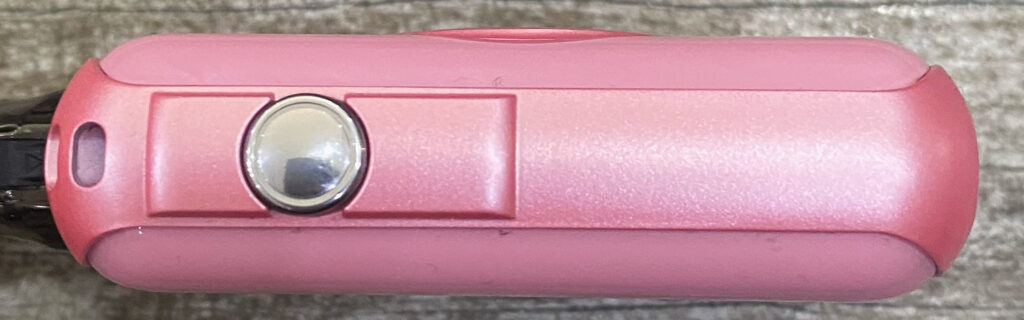
On the opposite side of the device, you’ll find a multi-functional fire button used to power the Xlim SQ Pro 2 on and off, navigate the display, and lock or unlock the device. Notably, the device doesn’t support manual fire activation and relies solely on auto-draw functionality. While the lack of manual fire activation may be a slight drawback for users like myself who prefer having that option, the auto-draw functionality is highly responsive and helps maintain a cleaner, more streamlined vaping experience.
Head to Head Highlights
Here’s a quick overview to highlight how OXVA have updated the Xlim SQ Pro device.
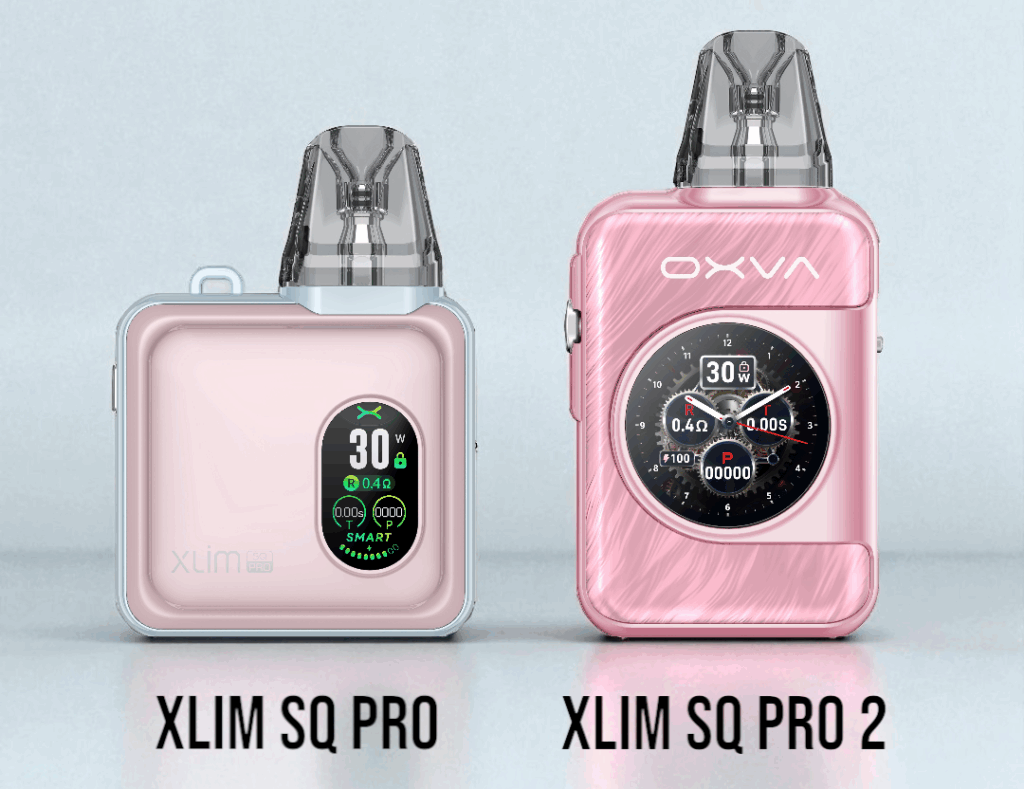
| OXVA Xlim SQ Pro | OXVA Xlim SQ Pro 2 |
| 54.4 x 20.4 x 77mm | 48 x 20.01 x 93.4mm |
| 1200mAh Battery | 1600mAh Battery |
| 0.96″ TFT Colour Screen | 1.09″ HD Smart Touch Screen |
| 4-Digit Puff Counter | 5-Digit Puff Counter |
| 3 Themes | 64 Screen Display Combos |
How to Use OXVA’s Xlim SQ Pro 2
- Remove the device from the packaging
- Lift up the bottom edge of the port cover to reveal the filling port on the pod
- Carefully insert the nozzle of your E-liquid bottle and gently squeeze until the pod is full – leave some room for air to move
- Wait at least 15 minutes before using to ensure the coil has fully saturated
- Make sure you’ve removed the protective sticker from the base of the pre-installed pod
- After the 15 minute wait, press the fire button 5 times quickly to turn the device on/off
- Inhale through the mouthpiece to activate auto-draw firing
Additional Settings
Lock/Unlock: When the device isn’t in use for a period of time, the screen will automatically turn off and lock the touch screen. Press the fire button once and swipe across the screen to unlock.
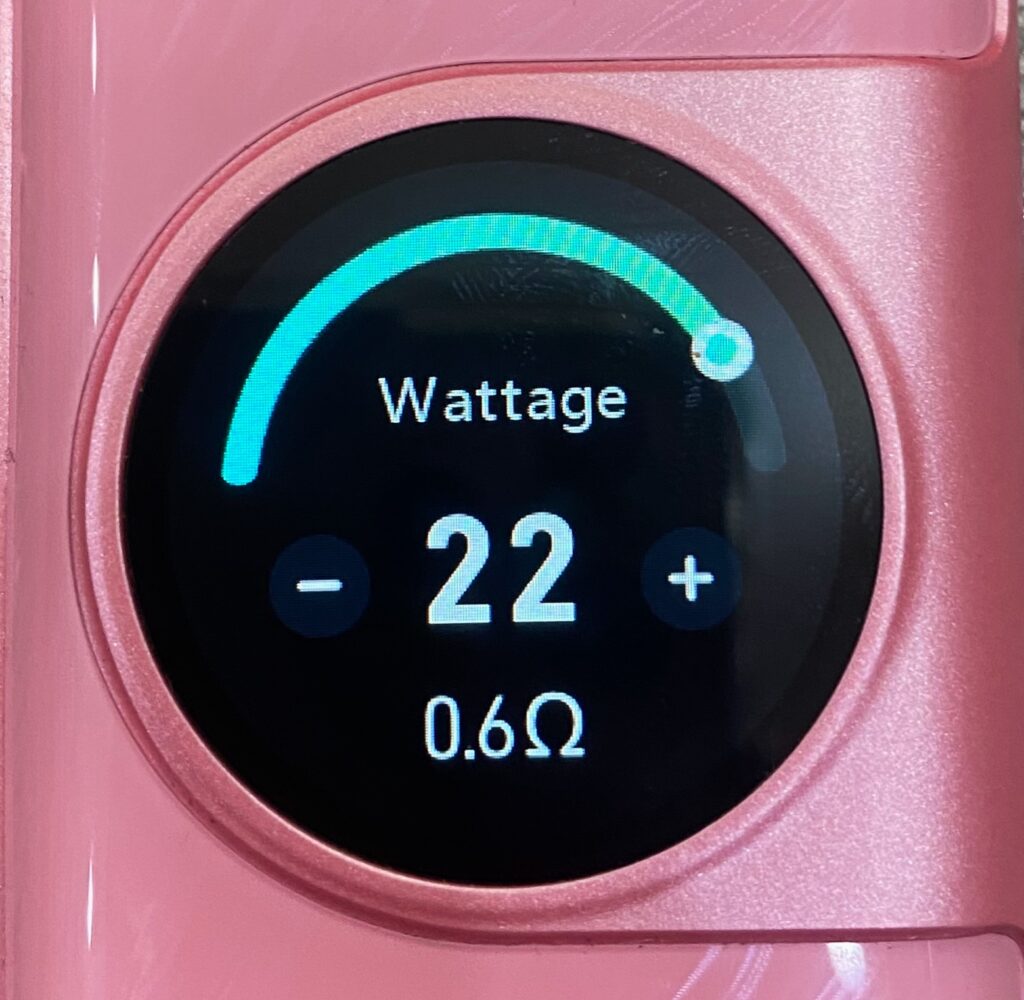
To adjust wattage, swipe right across the screen and tap the ‘- or +’ icons, or slide the adjustable bar.
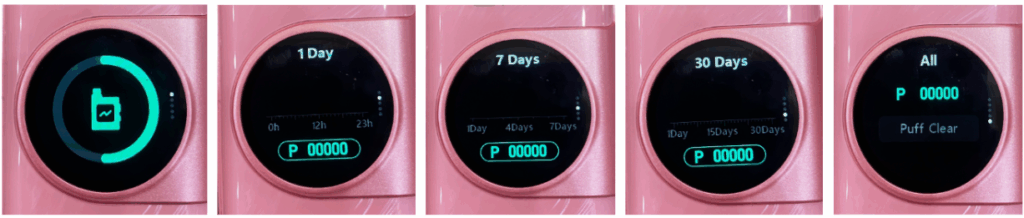
To view battery status and puff count records (1, 7 and 30 days), swipe left and scroll through.
Swipe up to view basic settings, all apps, the date, theme and effect changes and the Xlim SQ Pro 2 manual. Swipe right to exit.
| ECO MODE: | – Turn on/off |
| SCREEN: | – Display: Adjust Brightness – Vaping Effects – Standby Display: Turn on/off; Standby Time (10s, 30s, 60s, or 5 mins); and Wallpapers |
| TOOL: | – Flashlight – Stopwatch |
| SETUP: | – Language – Time & Date Settings – About: Device Name & Manual |
| GENERAL: | – Shut Down – Restart – Restore Factory Settings |

Performance
Time to test out how the Xlim SQ Pro 2 performs!
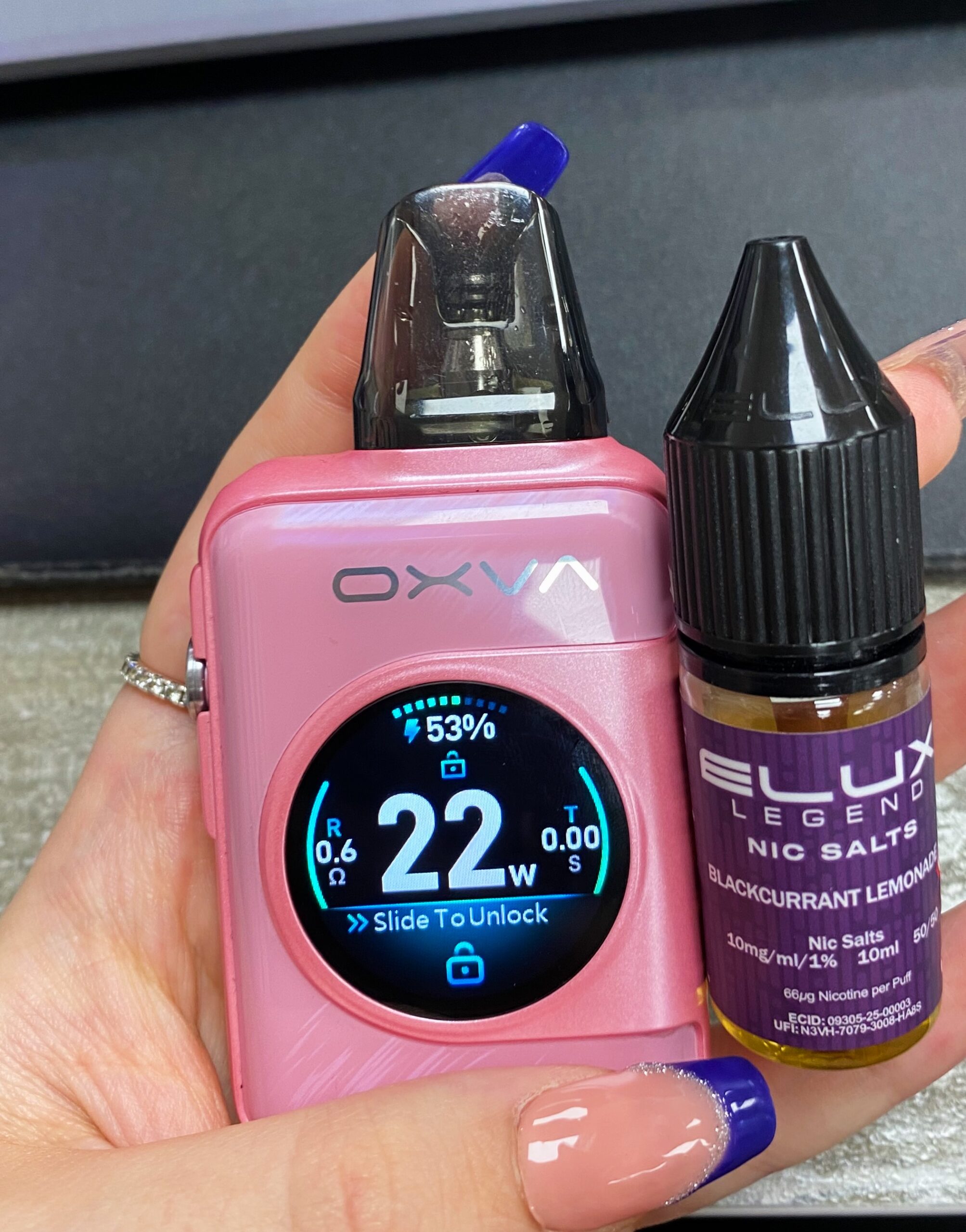
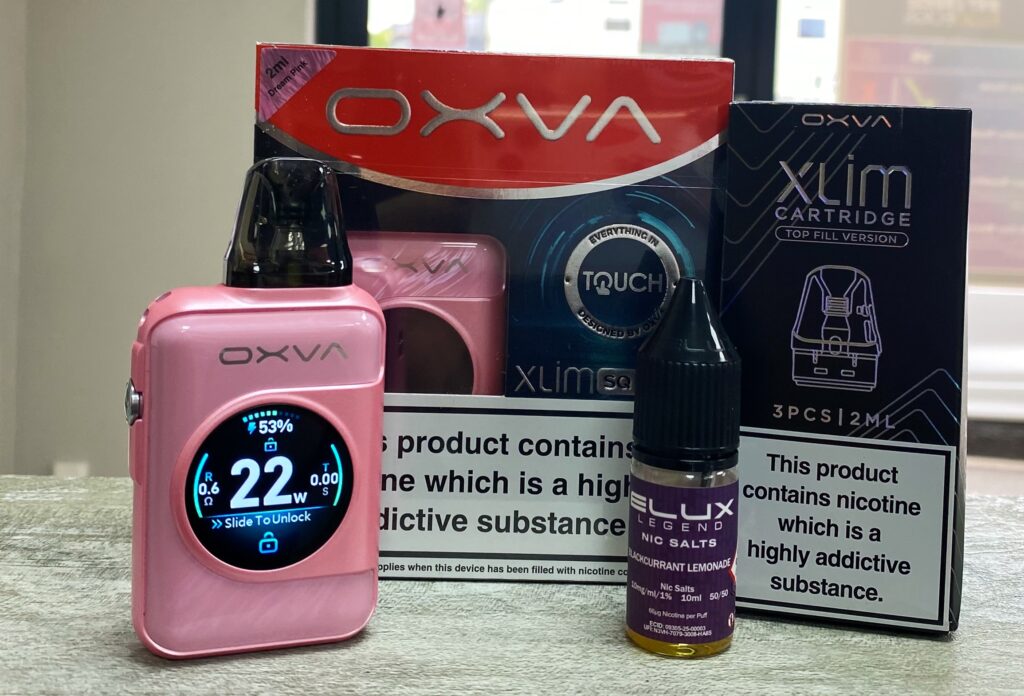
Jumping straight in with the pre-installed 0.6Ω pod, I paired this with a new flavour from Elux’s Legend Nic Salt range – Blackcurrant Lemonade in 10mg. The Xlim SQ Pro 2 automatically set the 0.6Ω pod to 22W, which sat comfortably within its 20-25W range – so I kept it there, and it performed beautifully.
Right from the first puff, the flavour combo came alive – deep, tangy blackcurrant bursts forward with rich, juicy intensity, layered with subtle tartness. The lemonade element adds a crisp, fizzy citrus twist, brightening up the darker berry notes with a refreshing, zesty edge. It actually reminds me of that purple-fruit flavour of a Swizzles Fruity Pop lollipop! The draw sits right in that smooth RDL (Restricted Direct to Lung) territory, delivering full-bodied vapour without being overwhelming. With the 0.6Ω pod, I estimated around 24 hours over 2 days of use and 346 puffs before the battery needed recharging!
In between testing the pods, I popped the Xlim SQ Pro 2 on charge and came back 45 minutes later to find it fully juiced up and ready to go again. N.B. There’s no charging cable included in the box, but any Type-C cable will do the trick. A minor con, admittedly – but if you’re anything like me, you’ve probably got a drawer full of them from previous kits. Plus, it likely helps keep overall production costs down.
Switching over to the 0.8Ω pod, I picked up a bottle of Pear Banana in 10mg from Bar Juice, also a new addition to their Nic Salt range.
I manually set it to 16W, which felt just right for this more mellow flavour profile. On the inhale, the banana brings a creamy, velvety smoothness, rich and gently sweet, with a soft tropical vibe that fills out the base. Just as it starts to deepen, the pear comes through with a crisp, juicy lift – adding a subtle brightness that keeps everything feeling light and fresh. The balance is spot-on: not too sweet, not too sharp, and incredibly easy on the palate. It reminds me of a gently chilled fruit smoothie – soothing, smooth, and refreshingly mellow.
The 0.8Ω pod delivers a gentle MTL (Mouth to Lung) draw with modest vapour and consistent flavour, perfect for relaxed all-day vaping. Battery consumption was minimal too, I estimated around 28 hours over 3 days of use and 444 puffs before it was time to recharge!
Conclusion
Looking for a pod kit that’s compact, stylish, and packed with features? The OXVA Xlim SQ Pro 2 might just be your next favourite. It’s the upgraded version of the original SQ Pro, and it brings some seriously nice improvements.
Interested in picking one up for yourself? Treat yourself here on our website for an unmissable £29!
While you’re at it, we’re also offering a Super Bundle on the Xlim SQ Pro 2, which includes the device, a pack of 3 pods and 3x 10ml bottles of E-liquid for just £39!
Already ahead of the curve and need a top up on pods? Click this link to browse the Xlim V3 pod range!
OXVA Xlim SQ Pro 2
Product Sku: Xlim SQ Pro 2
Product Brand: OXVA
Product Currency: GBP
Product Price: £29
Product In-Stock: In Stock
Editor’s Rating: